Free tools to get you started
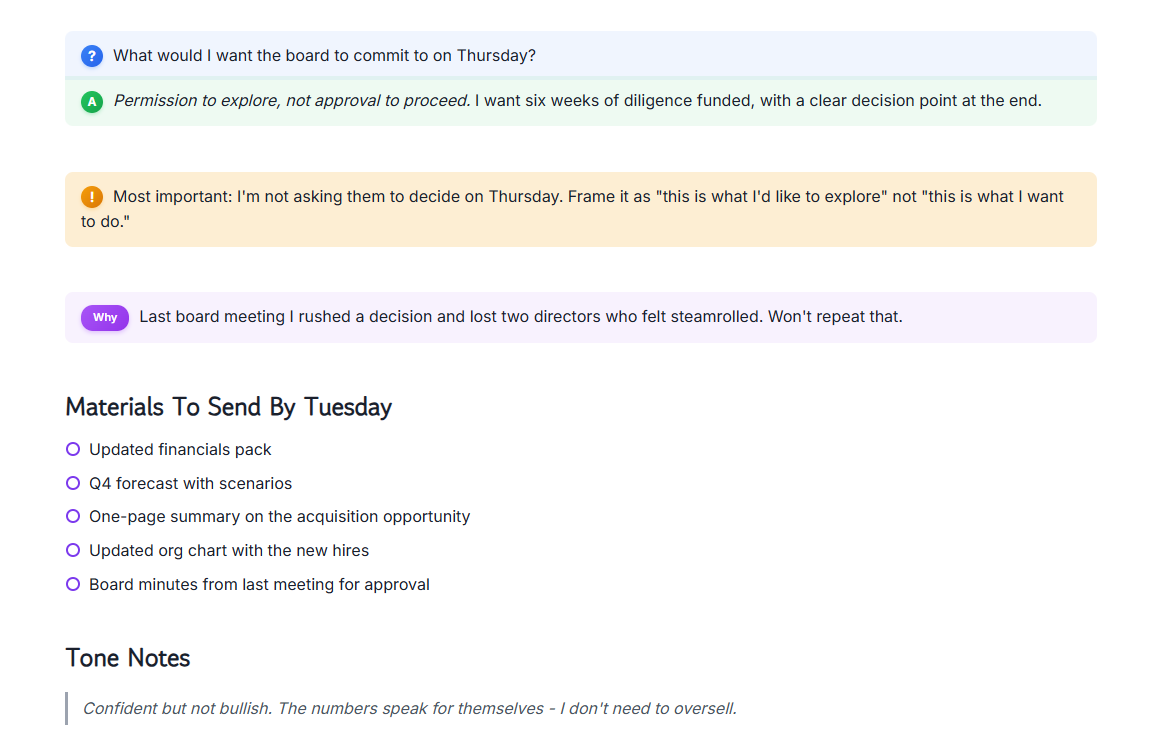
We've created Margin, a new file format that is designed for real work, not just for formatting. This allows us to capture structure and meaning, tasks, decisions, justification and more all in one fluid syntax. We go beyond formatting.
Learn more →
With Margin as the foundation, we custom-built an editor from the ground up with usability, performance, and beauty in mind. Every interaction, every animation, every pixel — obsessively refined so writing feels effortless.
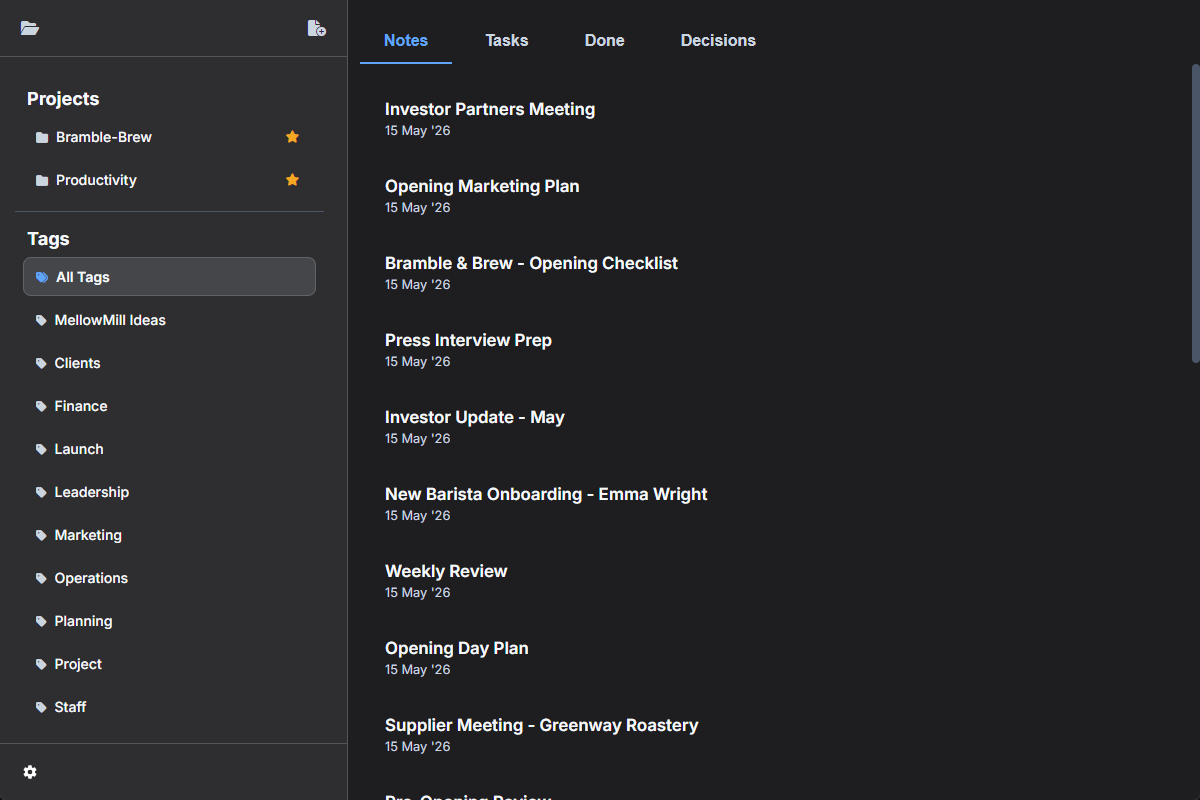
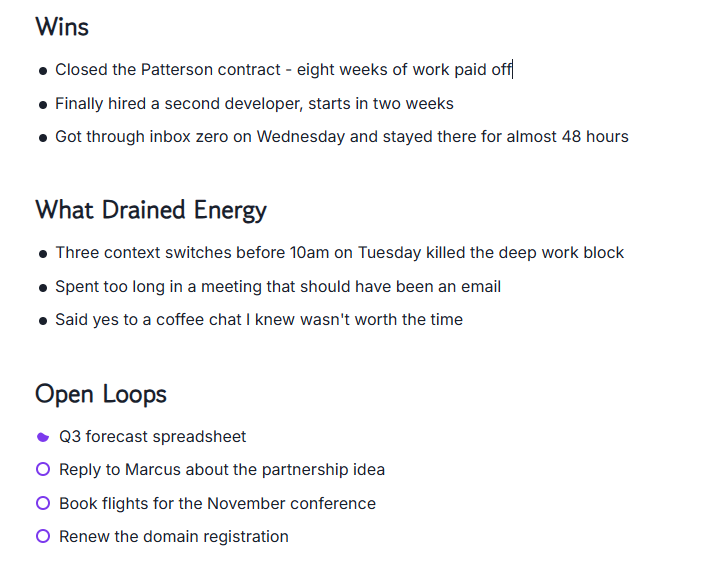
Tasks live alongside your notes — not in a separate app. Check them off and filter across every note instantly.
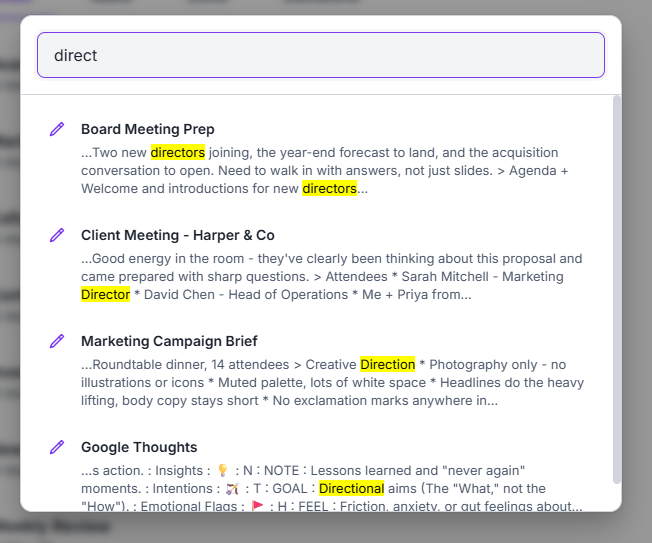
Full-text search across every note, every tag, every file. Results appear as you type — no waiting, no indexing delays.
Embed images and attach files directly in your notes. Drag and drop to add visuals, documents, and references without leaving your workflow.
Your files live on your machine in plain text. No cloud service scraping your data, no sync surprises. You have full control.
Pay once, own it forever. No monthly fees, no usage limits and every future update free of charge. Your productivity tool shouldn't be a recurring bill.
Premium tools for professionals who demand more.
Go beyond standard tables with rich styling options and spreadsheet-like functions built right in. Easily add sums, averages, counts, and more — no formulas to memorise, just results where you need them.
MellowMill Studio automatically extracts priority and due dates directly from the text you type — no separate fields to fill in. Define sub-tasks to break work into steps, and let your notes do the organizing for you.
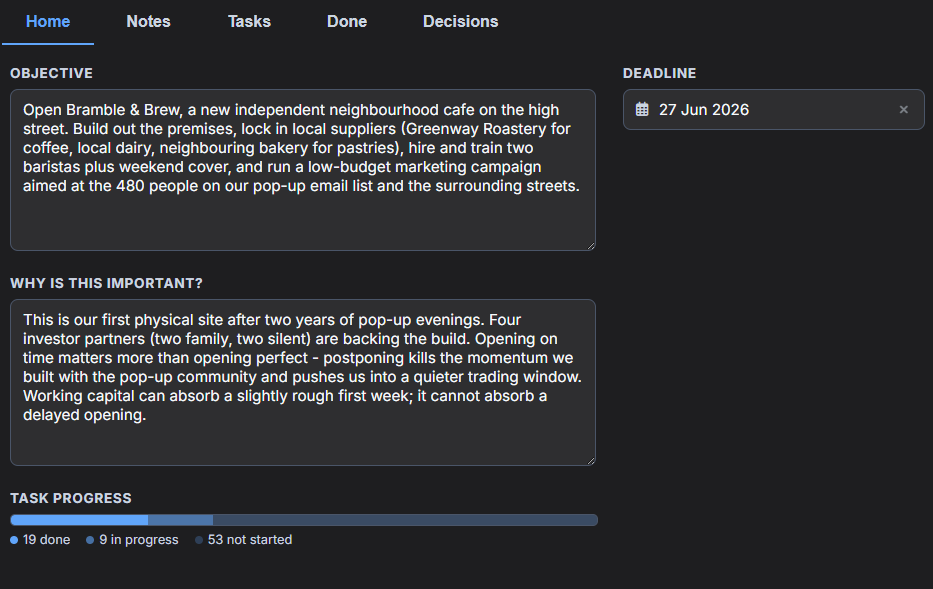
Define project scope, tasks, and due dates in one central place. Everything linked back to the notes where the work actually lives — making it easy to track progress across all your notebooks without losing context.
Connect Claude Code directly to your notes today — with ChatGPT, Gemini, and local models coming soon. Because Margin captures structure (decisions, justifications, tasks, and tags), your AI doesn't just read prose like it would with Markdown — it understands what you decided, why you decided it, and how you work. Ask it questions about your projects and get answers grounded in your actual reasoning.
Paste or import any Markdown document and MellowMill Studio converts it to Margin format instantly. Export back to Markdown any time — your notes stay portable, whatever format you need.
Every change you make is automatically saved for 30 days. Browse your full history, see exactly what changed, and roll back to any previous version.
A carefully designed dark theme built for long working sessions and to be easy on the eyes.
I spent years juggling physical notebooks, to-do apps, project boards, and numerous systems across dozens of tools. Nothing ever worked for me for more than a week, some were just distractions from work. Decisions got buried in emails, tasks slipped through the cracks, and I was spending more time trying to manage my systems than actually doing the work. Eventually I stopped looking for the right tool and decided to build it myself — something that solved real problems, not someone else's idea of productivity.
Simple pricing for everyone - not a subscription in sight. Pay once and get all future updates for free!
Prices shown in USD — or equivalent in your local currency.
|
Free
$0
Forever
|
Core
$25
One-time payment
|
|
|---|---|---|
| Unlimited Notes | ||
| Unlimited Tasks | ||
| Unlimited Tags | ||
| Local Data Storage | ||
| Lifetime Updates | ||
| Tables | ||
| Interactive Hyperlinks | ||
| Image & File Support | ||
| Import & Paste Markdown | ||
| Dark Mode | ||
| Advanced Tables | ||
| Advanced Tasks | ||
| Advanced Files | ||
| Projects | ||
| AI Integration | ||
| 30 Day Version History |
We're currently working hard to put the finishing touches on the MacOS version of MellowMill Studio — this version will be released soon. In the meantime become a member to get the latest news straight to your inbox, including notifications on when the MacOS version is ready to download. It's 100% free to join!
Become a free memberEverything you need to know before getting started.
Margin is a markup language designed specifically for real work. Unlike Markdown, which focuses on formatting, Margin lets you capture structure — tasks, decisions, metadata, and links — all in one fluid syntax without switching tools. Find out more →
No. MellowMill Studio is local-first by default. Your files live on your machine in plain text. You can back them up however you like — Git, Dropbox, a USB stick. Your data is yours to do with as you please. If you decide to bring your own AI features then your data will be sent to your AI provider.
There is a totally free version of MellowMill Studio. There is also a Core version that has a one-time cost that gives more advanced features that professionals and small business owners will find more useful. We believe that your productivity tool shouldn't be a recurring bill.
MellowMill Studio is available on Windows, with MacOS, Linux, and mobile coming soon. Your notes are stored as simple files on your computer, so they're portable across any system.
Yes. MellowMill Studio supports importing from Markdown allowing you to bring in data from a wide variety of tools.